Open Player
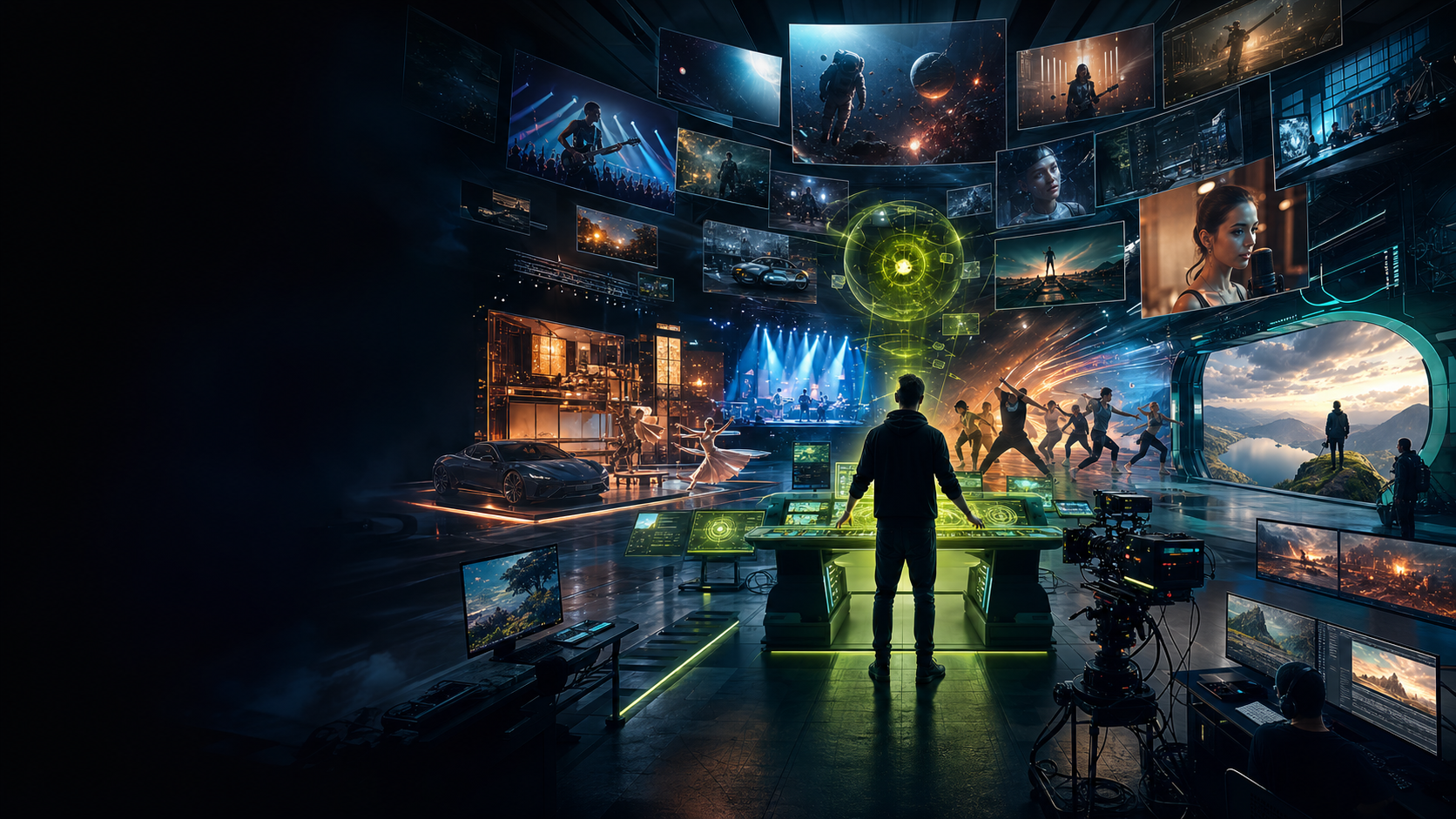
Other AI Video Platforms Generate Shots.
Qaivid Is Your Entire AI Production Company.
From a single idea, Qaivid develops the story, builds the visual world, plans every shot, maintains continuity and directs complete video productions of every kind—from initial concept to final film.
Trailer Studio
Music Videos
Dance Films
Presenter
Product Ads
Post
What Qaivid Is
Not one generator. A set of creative studios.
Choose a path, upload the assets you already have, and Qaivid shapes the workflow around the final video you want.
Trailers
One word becomes a MightBeMovies trailer concept.
Music
Lyrics and audio become timed visuals.
Dance
Songs become beat-synced dance videos.
Products
Product truth stays visible from prompt to render.
People
Face photos become presenters, talent, and characters.
Studio Gallery
Pick the video you want to make.
The Create Hub opens the right production path for the assets and outcome you choose.
Trailer Studio
One word to film trailer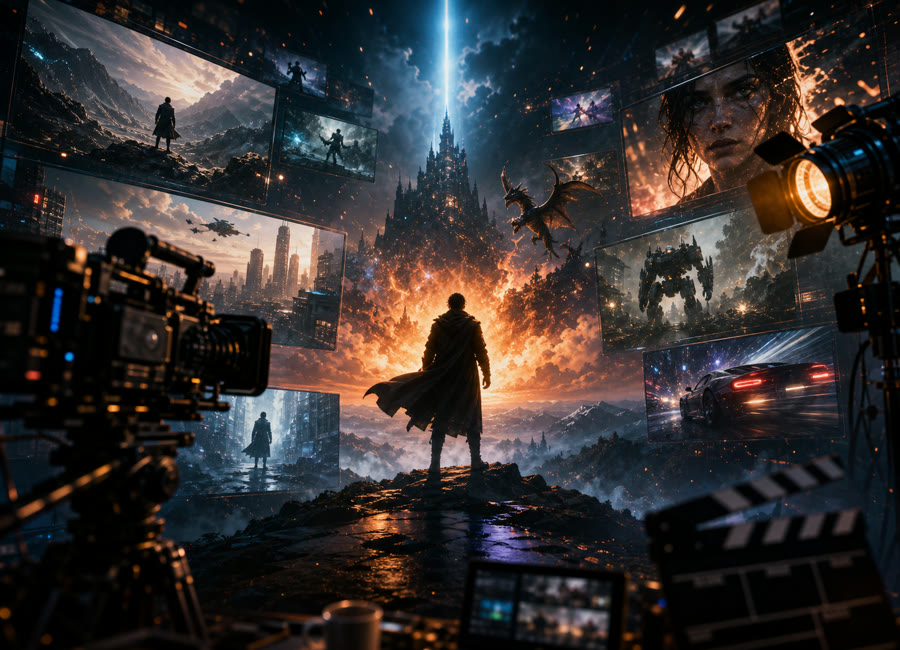
Type a word or one-line idea and generate a Hollywood-style concept trailer with clips, title cards, score, and thumbnail.
Explore Studio →
Music Video Director
Song to cinematic video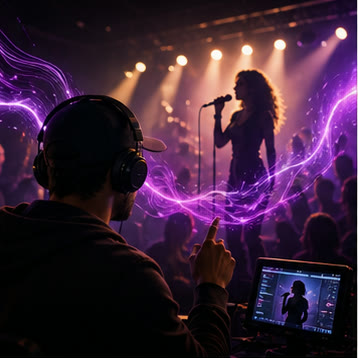
Upload a track and lyrics, then generate treatment, shots, prompts, clips, and final edit.
Explore Studio →
Dance Studio
Song to dance video
Upload music in any language and generate a culture-aware, beat-synced dance video with the original audio preserved.
Explore Studio →
Agency Ad Studio
Brief to campaign film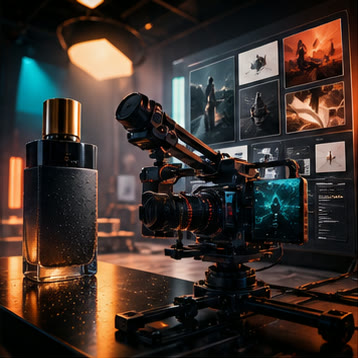
Turn a brand brief, product, voice, audience, and hook into a polished ad direction.
Explore Studio →
Audio to Video Ad
Voice spot to visual ad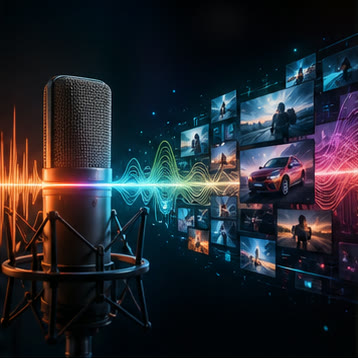
Upload final ad audio and build visuals precisely around the recording.
Explore Studio →
Fragrance Film Studio
Review audio to scent film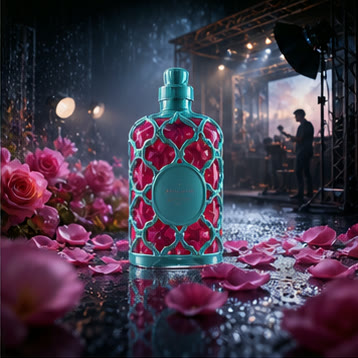
Use the real bottle image, narration, notes, lifestyle setting, and platform ratio.
Explore Studio →
Talking Presenter
Face photo to lip-sync video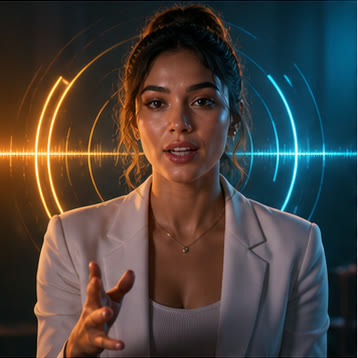
Create a speaking presenter from a face photo plus your script or uploaded audio.
Explore Studio →
FightBrain Studio
Two photos to blockbuster fight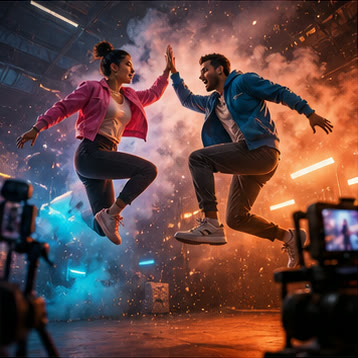
Build cinematic stunt-fight videos from two images, world fight styles, real sets, and native action sound.
Explore Studio →
Talent Library
Reusable AI faces and characters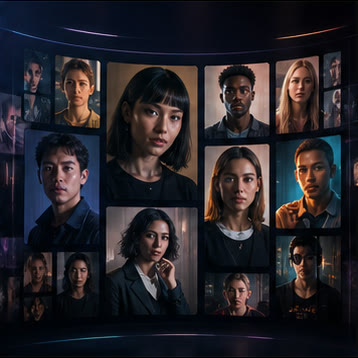
Save identities and reference images so future projects can reuse the same talent.
Explore Studio →
Post Production
Edit, reassemble, export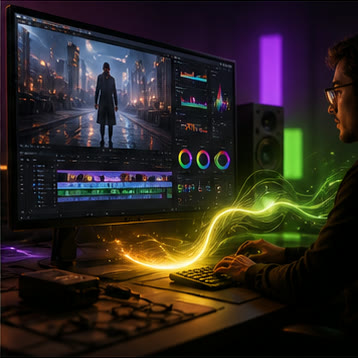
Open existing projects to refine clips, subtitles, audio, routes, formats, and exports.
Explore Studio →
Director Canvas
One idea to film story canvas
Start from a word or story seed, choose the look and length, then let Qaivid build the script, character references, storyboard, prompts, and final scene.
Explore Studio →
Story Studio
Narrative to visual sequence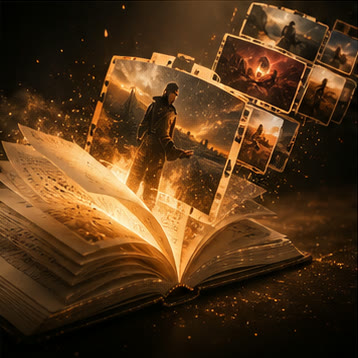
Transform prose and character journeys into rich scene-by-scene video plans.
Studio Preview →
Meme Studio
Trend to viral content pack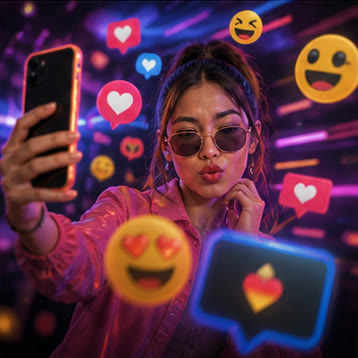
Generate playful social hooks, reaction formats, and meme-ready video concepts.
Studio Preview →
Podcast Studio
Episode to visual story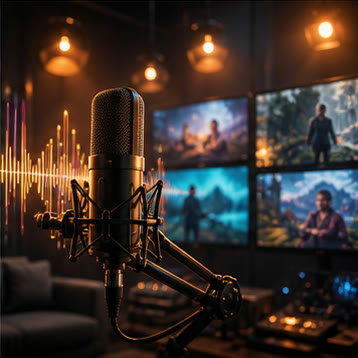
Turn podcast moments into b-roll, chapter visuals, clips, and animated summaries.
Studio Preview →
Animation Studio
Concept to animated sequence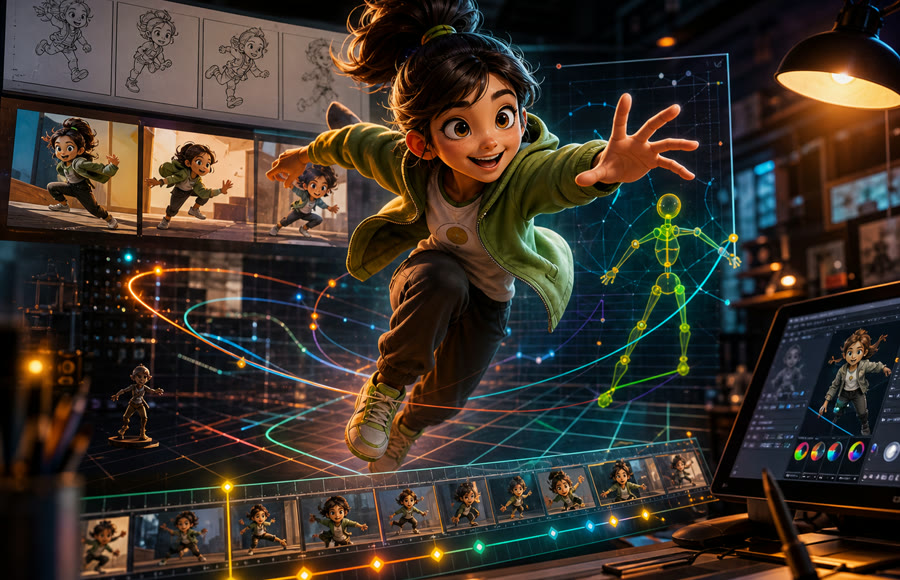
Design stylized worlds, character movement, keyframes, and animation-ready sequences.
Studio Preview →
Production Flow
From input to export, without losing the creative thread.
01
Choose a studio
Start from the type of video you want, not a blank prompt box.
02
Upload real assets
Add songs, scripts, voiceovers, product photos, faces, or references.
03
Generate the plan
Qaivid builds creative direction, style, shot structure, and prompts.
04
Render and refine
Create stills or AI clips, reassemble, edit, export, and share.
Qaivid.com Gallery
Made with Qaivid
Finished projects appear here only when creators choose Share to Qaivid.com Gallery from their video controls.
Open Player
Open Player
Open Player